|
Inventory: All Items | |
|
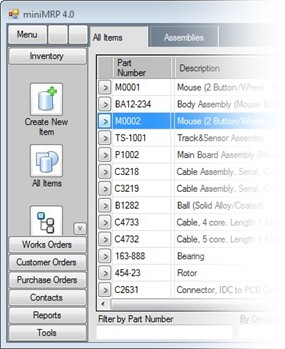
The 'All Items' option displays a list of all items in your inventory. You can't see it in the picture below but the menu also includes options to group items by category and by vendor. You can also click any of the column headers to sort the grid by that column.
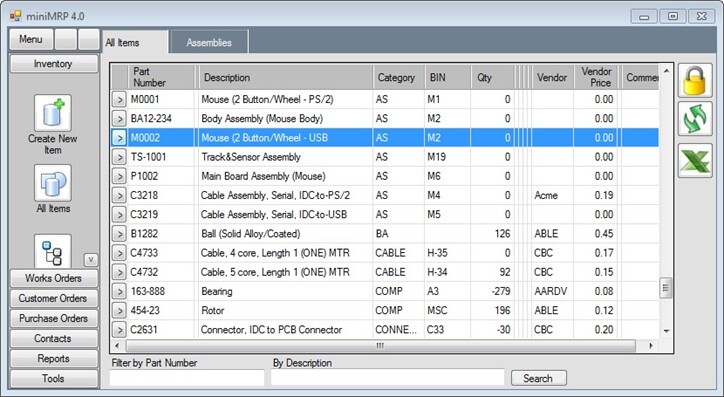
MiniMrp can be used to manage all manner of finished assemblies. But you'll see that we've filled our sample inventory with various electronic components. We're now going to show you the 'Parts-List Manager' and we had to decide what kind of parts to use as a sample.
|
|
 |
 |